

ThingsBoard ui-ngx项目
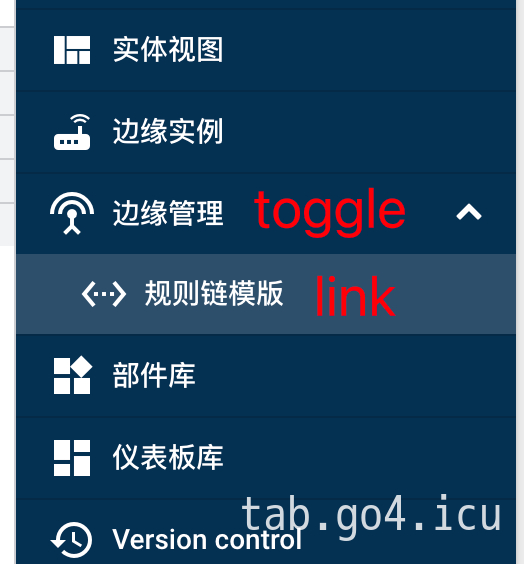
左侧菜单分为俩类 link 和 toggle ,link类型 指向路由页面,toggle类型 包含一组link类型子菜单。
实现过程
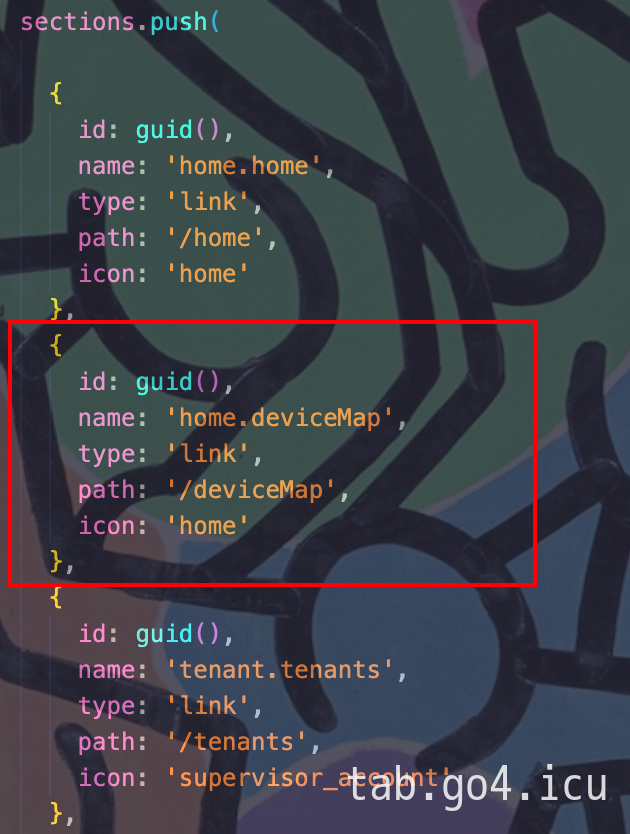
1. 在 src/app/core/services/menu.service.ts 中添加菜单,注意该文件有多个sections(不同用户权限),加到对应的里面才会显示.
2. 在src/app/modules/home/pages/目录下新建 deviceMap(文件夹和对应文件,可以使用命令)
ng generate component deviceMap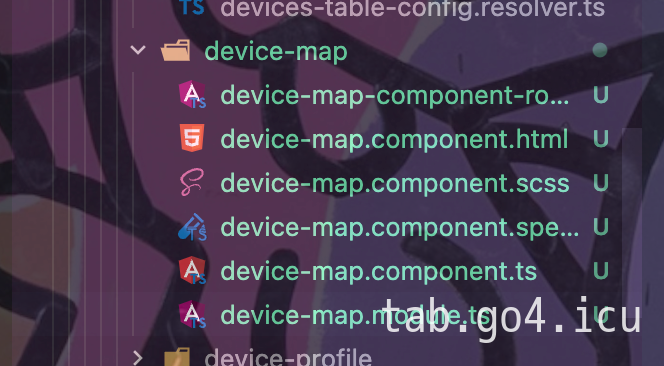
3. 添加 src/app/modules/home/pages/device-map/device-map-routing.module.ts
并在此文件中定义路由信息,icon从Material Design Icons中找
@Injectable()
export class OAuth2LoginProcessingUrlResolver implements Resolve {

    constructor(private oauth2Service: OAuth2Service) {
    }

    resolve(): Observable {
        return this.oauth2Service.getLoginProcessingUrl();
    }
}


const routes: Routes = [
    {
        path: 'deviceMap',
        component: DeviceMapComponent,
        data: {
            auth: [Authority.TENANT_ADMIN, Authority.CUSTOMER_USER],
            breadcrumb: {
                label: 'home.deviceMap',
                icon: 'touch_app'
            }
        }
    }
];

@NgModule({
    imports: [RouterModule.forChild(routes)],
    exports: [RouterModule],
    providers: [
        OAuth2LoginProcessingUrlResolver
    ]
})
export class deviceMapRoutingModule { }
4. 添加src/app/modules/home/pages/device-map/device-map.module.ts
import { NgModule } from '@angular/core';
import { CommonModule } from '@angular/common';

import { deviceMapRoutingModule} from './device-map-component-routing.module';

@NgModule({
  declarations:
    [
    ],
  imports: [
    CommonModule,
    deviceMapRoutingModule
  ]
})
export class deviceMapModule { }
5. 在src/app/modules/home/pages/home-pages.module.ts中添加device-map.module.ts
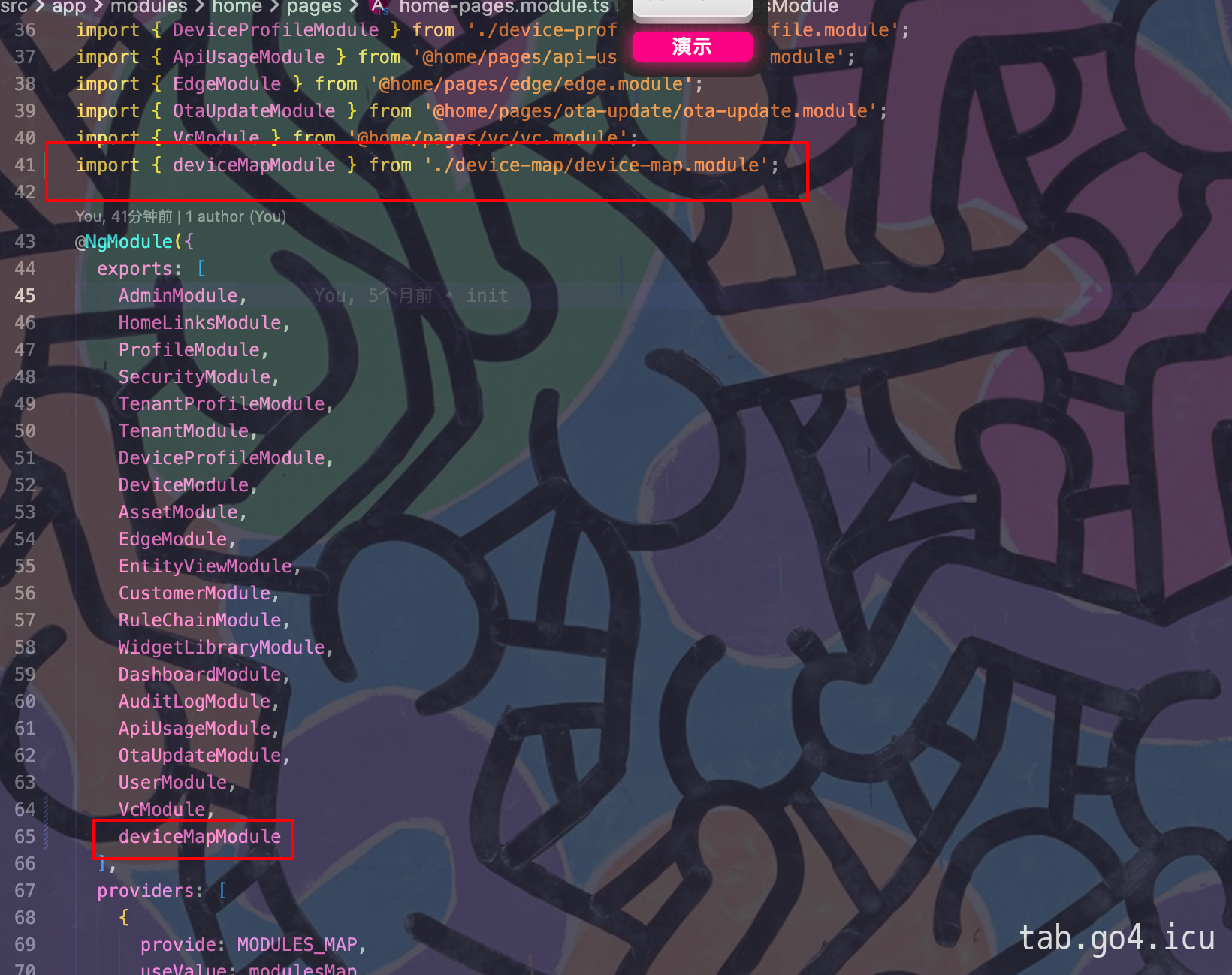
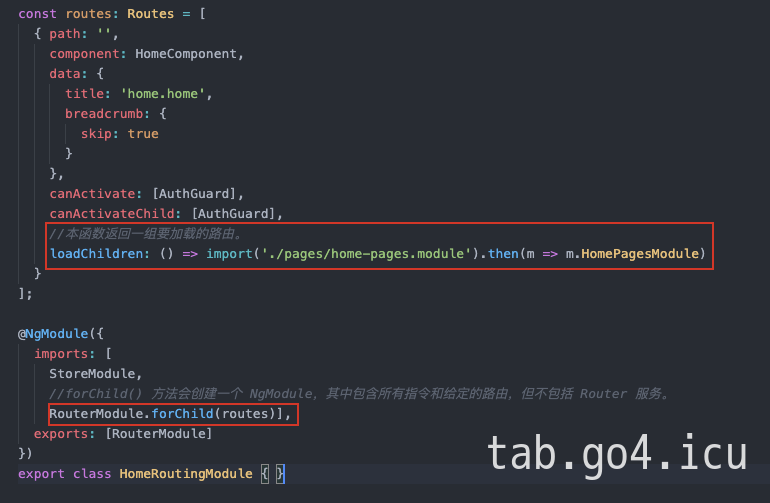
所有页面的子路由都是导入到这里,然后在src/app/modules/home/home-routing.module.ts中一起加载(这一步不需要操作,只是说明)
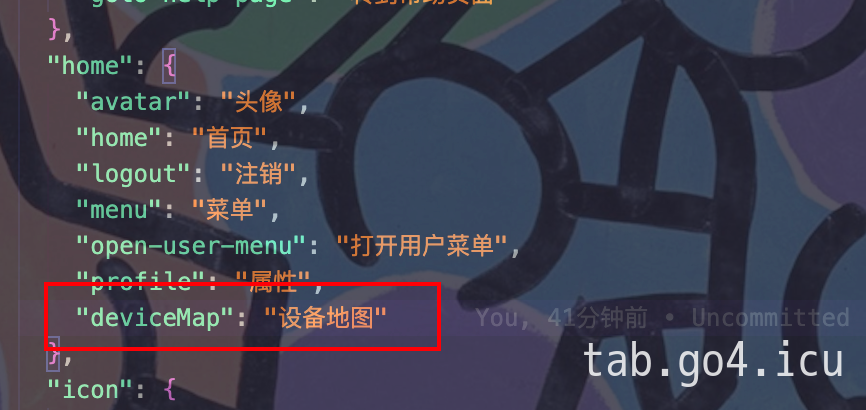
6.最后在src/assets/locale/locale.constant-zh_CN.json中添加国际化